
Flying with a prosthesis: what actually happens at the checkpoint and on the plane
TSA screening for prosthetic users is not random. Understanding the options in advance (AIT, pat-down, TSA Cares) makes the checkpoint and the flight itself more predictable and less of an event.
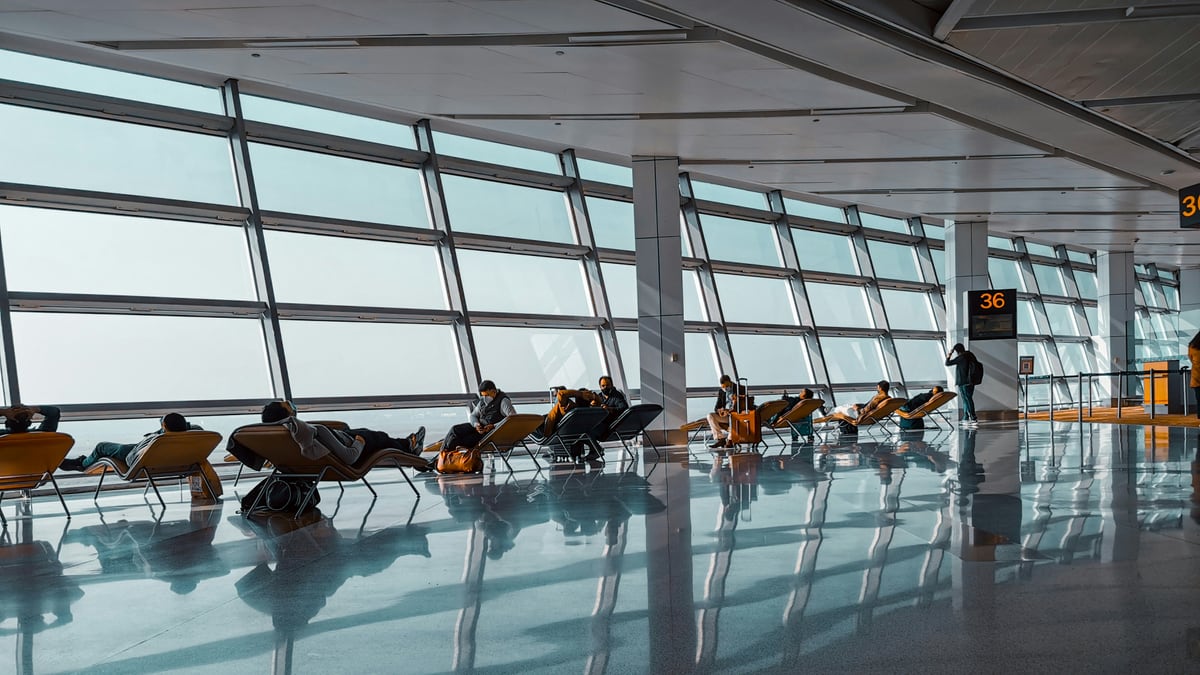
Flying is one of those activities that sounds harder than it is once you’ve done it, and harder than you expect the first couple of times. The friction at the checkpoint is real but mostly predictable. The inflight comfort problems are manageable once you know what you’re dealing with. Neither one requires a special procedure unique to you; they require knowing what to ask for.
This guide covers the checkpoint in detail first, because that’s where most of the questions cluster, then moves to what happens once you’re past security.
At the checkpoint: what to expect before you say anything
Metal detectors, the older walkthrough style, will alarm on most prosthetic components with metal structure. This includes most lower-limb devices regardless of material classification, many upper-limb devices, and some orthotic systems. The alarm is not a flag on you; it is the machine doing what it does when it encounters metal. What happens next is a choice.
Advanced Imaging Technology (AIT) scanners, the millimeter-wave cabins where you stand with arms raised, can image prosthetics without you removing the device. If you are sent to an AIT scanner and the system flags an area it cannot resolve, a targeted pat-down of that area is what follows. The pat-down is not a punishment; it is the resolution step when imaging is inconclusive.
Either way, you cannot be required to remove a prosthetic limb as a condition of airport security screening. TSA’s published policy states this explicitly. If an officer requests that you remove your device, you can decline and request a pat-down instead. You can also request to move to a private screening area for any physical screening. This option exists regardless of whether you ask before or after an alarm.
Three practical options and their tradeoffs
Option 1: Walk through the AIT scanner wearing your device
If the checkpoint has AIT scanners and no queue, this is usually the fastest path. Stand as directed, device on. If the image is clear, you go through. If the system flags something, the officer will indicate where a follow-up pat-down is needed. That pat-down is usually brief and targeted rather than full-body.
Tradeoff: Occasionally a checkpoint has only metal detectors and no AIT, particularly at smaller airports or certain gates. In that case you go straight to Option 2 or 3.
Option 2: Request a pat-down instead of imaging
You can opt out of the AIT scanner and request a pat-down. At a busy checkpoint, this adds time, because a same-gender officer may need to be called over. If you are running tight on time, plan for this.
Explain your device at the start of the pat-down (metal component, specific location) and ask the officer to check before contacting a liner or residual limb sleeve, if that matters to you. This is a reasonable request and officers are trained for it, though the quality of that training varies.
Option 3: Arrive with documentation
TSA does not require documentation for prosthetic screening, and carrying a letter from your physician does not change the screening procedure. It will not shortcut the process. What documentation can do is help with communication, particularly if you have a condition that makes physical contact or prolonged standing difficult, or if your device or residual limb situation is unusual.
TSA publishes a Notification Card (available for download at tsa.gov) that lets you communicate a disability or medical condition discreetly to an officer without explaining it in detail in line. It is not a magic pass. It is a communication tool. If the checkpoint is noisy and crowded and you just want to hand someone a card rather than have a conversation, it is useful for that.
TSA Cares: for when you want help arranged in advance
TSA runs a program called TSA Cares for passengers who need additional assistance at the checkpoint. You contact them at least 72 hours before your flight. The helpline is 1-855-787-2227 (or via tsa.gov), and they coordinate with the security checkpoint at your departure airport.
TSA Cares can arrange for a Passenger Support Specialist to meet you at the checkpoint, walk you through the process, and stay with you through screening. It does not eliminate the screening. What it does is reduce the variable of who you get and whether they’ve done this before.
It is most useful for first-time flyers, for people who have had difficult checkpoint experiences in the past, or for travel with equipment that requires more than the standard conversation. You can skip it on subsequent trips once you know what to expect.
Carry-on versus checked: what belongs where
Your device and its components need to be in your carry-on luggage or on your body. Checked luggage gets lost, delayed, and occasionally opened. Liners, socks, pins, suspension sleeves, and any spare components that keep you mobile should travel with you in the cabin.
For powered and myoelectric devices: Lithium-ion batteries, which power most myoelectric arms and microprocessor knees, fall under FAA battery regulations. Batteries installed in or part of a medical device are generally permitted in carry-on; spare or detached battery packs may have watt-hour limits that apply. Check the FAA’s hazardous materials guidance and your airline’s policy for your specific battery before you pack. For most standard prosthetic batteries this is not a problem, but knowing in advance is better than finding out at the gate.
For body-powered upper extremity devices: Cables, hooks, and harness components, none of which look alarming, travel without issue. If you carry spare hooks, they will probably get looked at on the X-ray screen; leave them in an accessible part of your bag.
Liquid skin care products: Residual limb skin products, wound care supplies, and prescription creams fall under TSA’s medical liquids exception, which allows them in quantities greater than 100ml if you declare them at the checkpoint. Tell the officer before the bag goes through the X-ray. The products may be opened for inspection; keeping them together in a clear bag makes this faster.
Requesting early boarding
Airlines are not required by law to hold early boarding for all passengers with disabilities, but all major US carriers offer it, and most will grant it if you ask at the gate, no documentation required. Early boarding gives you time to settle the device, get comfortable, and stow your carry-on before the aisle clogs.
Ask at the gate counter, not at check-in. Something simple: “I have a prosthetic device and I’d like to board early if that’s available.” That is usually enough.
On the plane: what changes with time and altitude
Cabin pressure during a long flight is maintained at the equivalent of around 6,000–8,000 feet of elevation, not sea level. Residual limbs can behave differently at reduced ambient pressure: some users report volume changes during extended flights, particularly on transatlantic routes. If your volume management is already a regular part of your routine (managing socks, adjusting suspension), plan for the possibility that you may need to make adjustments midflight.
The other variable is inactivity. Long flights reduce circulation in the lower body generally; for below-knee users in particular, extended static sitting can cause edema in the residual limb that makes donning the device harder when you land. Moving in the cabin, standing for a few minutes, walking to the galley or restroom periodically, is useful for more than just blood clots.
For microprocessor knee users: Check your device’s battery status before a long flight and bring a charging cable in your carry-on if you expect a connection. Some microprocessor knees have power-save modes for seated inactivity; check your documentation or ask your prosthetist if yours does.
For myoelectric users: Dry cabin air affects skin. Liners and residual limbs that are comfortable at home may require more attention to skin prep after a long flight. Some myoelectric users carry a small spray bottle of water or a light moisturizer specifically for travel. This is not universal, since it depends on your system and your skin, but worth thinking through before a 12-hour flight.
The Air Carrier Access Act: your rights with airlines
The Air Carrier Access Act (ACAA) covers disability rights on flights operated by US airlines and foreign airlines serving US airports. Key points for prosthetic and wheelchair users:
- Airlines must transport wheelchairs and mobility devices as checked baggage, in the cabin (for items that fit), or in the cargo hold. They cannot charge you extra for this.
- Airlines must check your wheelchair or scooter at the gate if you’re using it up to the aircraft door. It comes back to you at the gate on arrival, not at baggage claim, unless you arrange otherwise.
- You cannot be asked to leave your wheelchair behind at the gate without an alternative mobility option being provided.
Most of this becomes relevant only if you use a manual or powered chair in addition to a prosthetic device, for airport navigation, for example, if you’re traveling through a large airport on a long day. If that’s your situation, know that you can use the chair to the aircraft door and have it checked there, rather than checking it at the ticket counter and navigating the airport without it.
DOT’s Air Travel Consumer Report page (transportation.gov) and the ACAA’s passenger rights summary describe the process for filing a complaint if an airline doesn’t follow the rules. Airlines are also required to have a Complaint Resolution Official (CRO) available by phone or in person at the airport; if something goes wrong, asking for the CRO is the fastest escalation path.
Skin and routine care after arrival
If you arrive from a long flight and your residual limb has swollen or the fit is off, wait before concluding something is wrong with the device. Residual limb volume typically normalizes within a few hours of normal activity and rehydration. The volume shift from an international flight is not the same as a socket that no longer fits.
Keep your residual limb skin care routine accessible immediately on arrival, not buried in checked luggage. If you are on prescription topicals for skin breakdown or irritation, pack them in your carry-on.
If fit is consistently problematic on long flights in a way that affects your daily function for more than a day or two after arrival, it is worth raising with your prosthetist specifically in the context of travel. Some users who travel frequently make minor socket adjustments for travel periods; your clinic can advise whether that applies to your setup.
Disclaimer: This guide covers general information about TSA screening procedures, airline policies, and the Air Carrier Access Act for prosthetic users. TSA screening procedures and airline policies can change; verify current policies at tsa.gov and with your airline before travel. Nothing here is individualized medical, legal, or fitting advice. Discuss device-specific concerns, including power settings, battery requirements, and fit management for travel, with your prosthetist and device manufacturer.